.................................................................................................................
About Me..................................... Joanne Fowler Photography ..................................... JFP on Facebook
God is Good!

Psalm 73:26

Archive for May 2009

Eleven Months!

Wow, time sure does fly! This past year has been a whirlwind of events and I feel like I missed too much! Joshua grew up too fast behind my back. Little Sneak...

Big Boy is still very busy. Probably busier. He now likes to run laps around the living room before heading off to bed. Yes, laps. Is he practicing running? He's pretty fast and doesn't seem to be going anywhere but back and forth and in circles! He will eat just about anything and everything. He doesn't sit still and hates to take a nap because of it! He still loves to wrestle with Jeremiah and is now trying to do somersaults. Mostly off the couch. He doesn't care much for toys unless it's a ball or a vehicle. He seems to prefer tv remotes and cell phones but only real ones, he knows the difference...

I'm sure there is so much more I'm forgetting to tell you about this little man but I'll just move onto the pics!

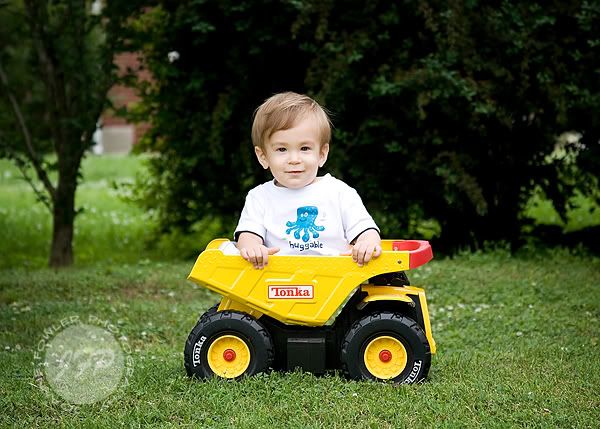
Here is Baby J in the Tonka Truck! It was really overcast and threatening rain all day but we managed to snag a few shots of busy boy:


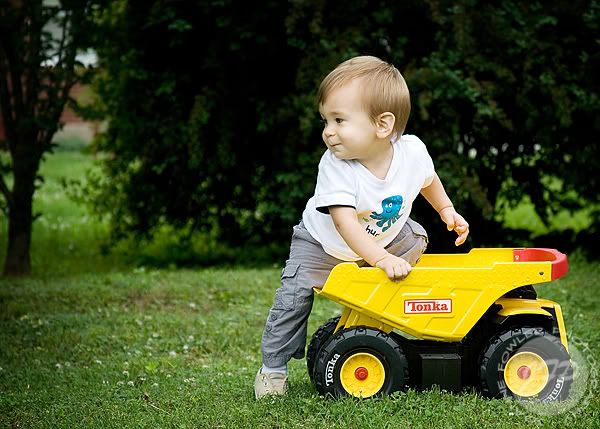
Until he realized I didn't put him in there to push him around the yard...
"Oooh, doggies!"


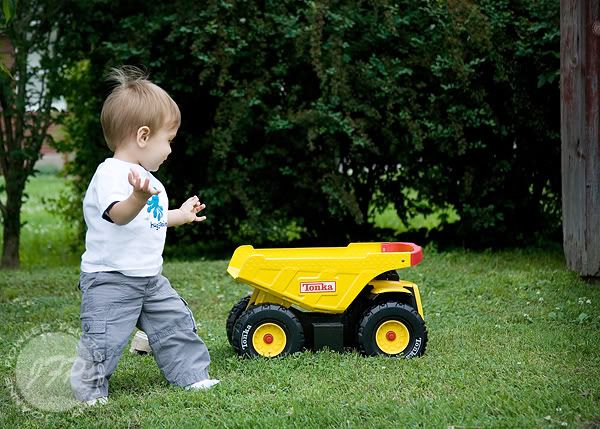
"Forget this, I'm going to get that ball over by the pool..."


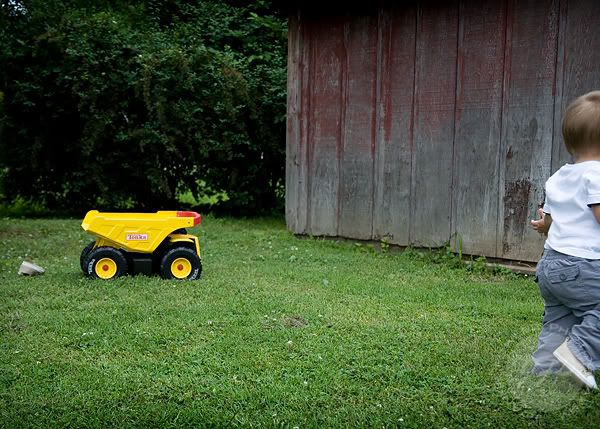
Left the truck, his shoe and me behind...


Have a great day!

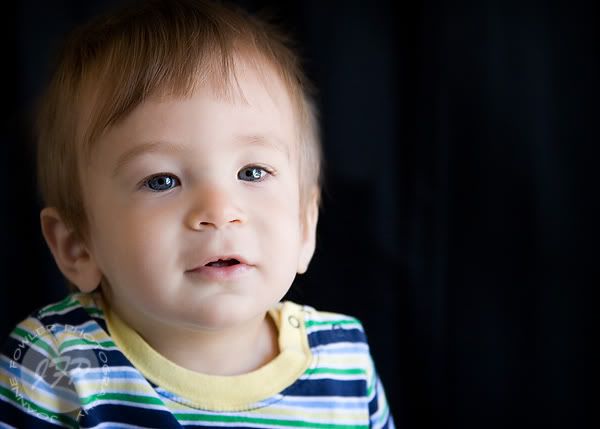
My Big Little Boy...

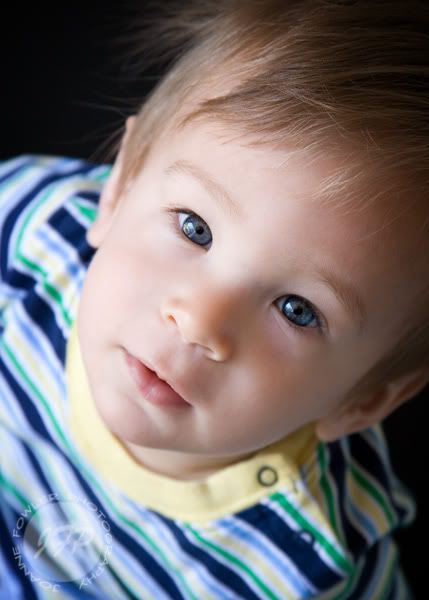
I loved Jeremiah's 5 year old pics so much I tried to get something out of Joshua to go with it. I want to blow them up big for my wall. I love my boys!

I love garage lighting... you get the best catchlights!


It wasn't easy getting eye contact with this little busybody. Me & my camera were competing with Jeremiah's bike!

This is the one I want to print BIG...


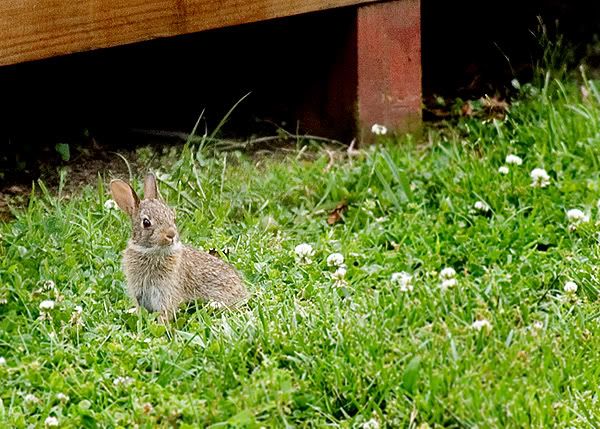
And lookie at this little cutie my Sis-in-law spotted. He lives under our deck with who knows how many others...


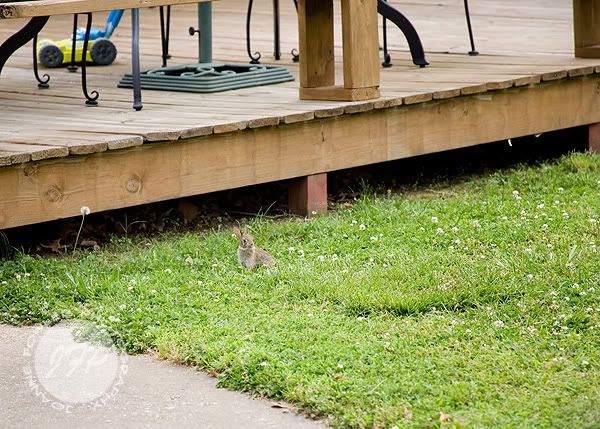
Here is the uncropped version, I shot him from the car so I wouldn't disturb him. See how tiny he is? Cute!

But, ugh... do we ever need to cut the grass!


{Mommy Moment}

We took our usual morning walk up the street and met a new friend for Jeremiah. Their driveway slopes steeply towards the backyard and after a few Kamakazi trips down on his bike, Jeremiah finally bit the dust. To my surprise, he didn't cry or fuss, just a really big "AWWWWWWWW, MAAAAAAANNNNNNN!" because one of his training wheels broke. Not just off, but in half, sort of. Definitely not ridable for a newbie like him. When we were finished with our visit, I tried to push the stoller and balance his bike on the other training wheel back home but it was getting akward so I opted to just carry the bike (and push the stroller) home. Jeremiah walked along beside me recounting the events of his bike mishap then was quiet for a few houses while I adjusted the weight of the bike, smeared grease all over my clothes and Joshua wobbled in the wavering one-hand-steered stroller. Suddenly l heard a sweet little voice and I look up to see those big, beautiful eyes looking at me with a big smile as he said, "Mommy, you're my best friend." *sigh*

Photography Friday: Photoshop Secrets...

Yes, I know I'm a day late. I honestly tried several times to sit down and do this yesterday but it just never happened! Sorry!

So I'll give away a few little secrets, will that help? =)

RAW vs. JPEG
There isn't anything wrong with shooting jpg but if you can shoot in RAW, it will help you out a ton if you happend to make a mistake on an important shot. When you shoot in RAW, you are saving ALL of the data your camera used to process the image. Jpg takes that info and compresses it to a more manageable size. This is why you get twice as many jpg images per memory card compared to RAW images.

All those settings you used to get your shot: White Balance, exposure selections... they can still be altered if you shot in RAW. Now with the higher end Photoshop programs, you can edit your jpg images but sometimes it can still be a bit limiting if you really messed up an image when you shot it.

I'm a big fan of getting it right in camera. If I can save time by not having to sit in front of the computer struggling to get an image just right, I'm a happy camper! I started with Photoshop Elements 2.0 years ago... is that like the first Photoshop or what? I did not have the option to work with RAW images. But now with CS3, I have that option and it makes my life so much easier! HOWEVER, you do NOT need to run out and purchase this expensive software unless you are shooting professionally and have TONS of image to edit at a time. Or you just like to spend money to get what everyone else has. I don't advocate the latter either.

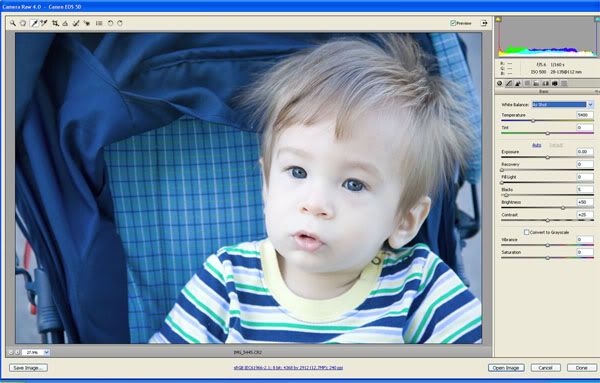
Just to give you a little sampling of some basic processing, I will start with my RAW image and I opened it up in ACR - Adobe Camera RAW:


Now, I see that he looks a little too cool (blue) for my taste. I shot it with Auto White Balance and my camera read the color temperature of the setting differently that I would have. So I need to change that.

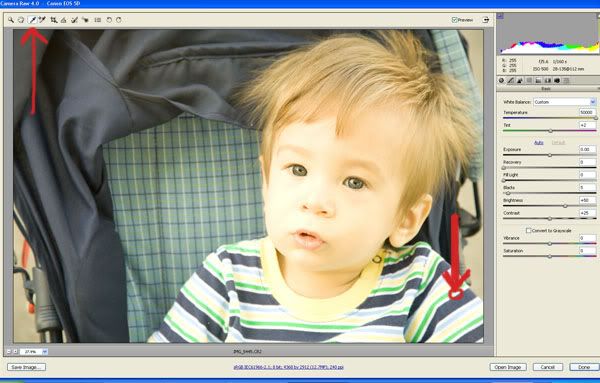
One easy way to do so is to use the white balance tool thingie (not so correct term). I use that tool to select something white, black or grey:

I used the white on his shirt but as you can see, that didn't help me.

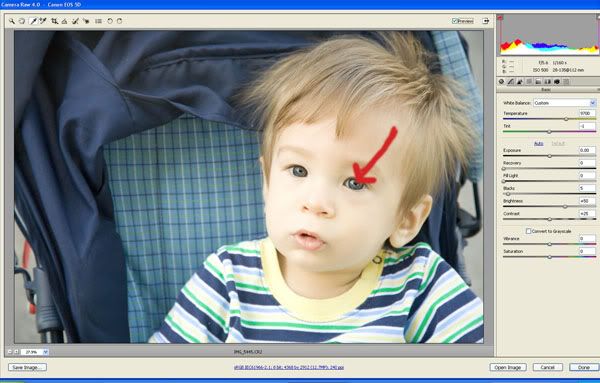
So I chose something else. He is close enough that I can see his pupil pretty well and that is obviously black so I tried that:


Much better. You can also select from the drop down menu on the far right a new white balance such as daylight or flourescent, depending on your lighting situation. I could have used "Shade" for this one.

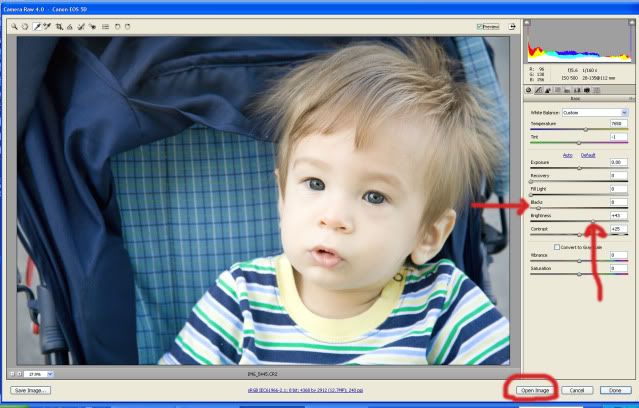
I thought he was a bit dark so I adjusted the brightness and then added a hint of contrast by adjusting the blacks:


Then I clicked "Open image" and brought it to my Photoshop program.
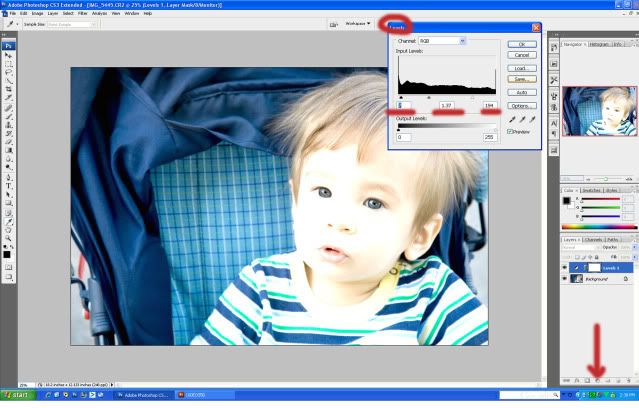
I wanted to pop his eyes a bit to make them stand out more and bring out those catchlights so I created a levels adjustment layer:


I clicked the black/white circle at the bottom of the layers palette and chose "levels". Then I brigthened up the image and increased the contrast. Under the graph are three sliders. I moved the one on the far right (white) to the left a bit to brighten up the image like crazy. Then I moved the far left one (black) to the right to darken the dark lines (black lines). Then I moved the middle one to the left slightly to brighten up just a tad more. Click OK and you now have a really bad looking image. So, hold down the ctrl key and click "i" and it will invert the layer and it will go back to "normal".

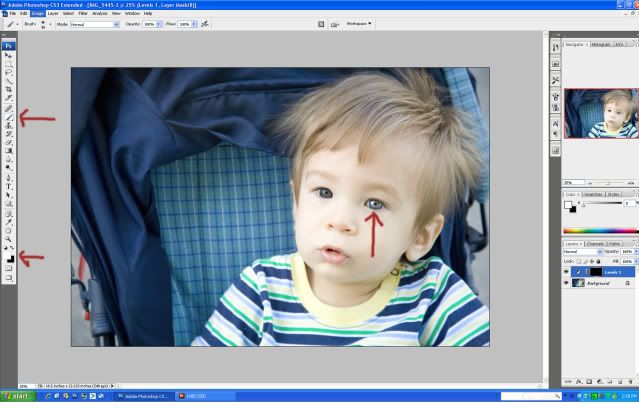
Next I chose a white brush and brushed his eye. This is kind of like erasing the original and bringing in the funky bright layer we just created:


He's looking rather freaky now, eh?

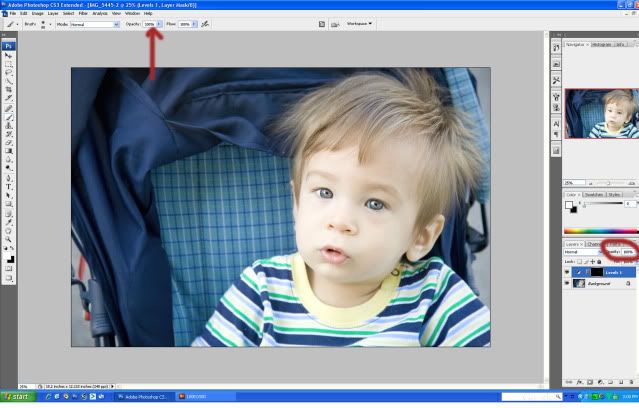
I do this with both eyes and since it's way too bright, I adjust the opacity of the layer. I happened to do this with the brush set on 100% before brushing. I don't always do this, actually, I usually use a lower opacity. But you can adjust the intensity of this change either place.


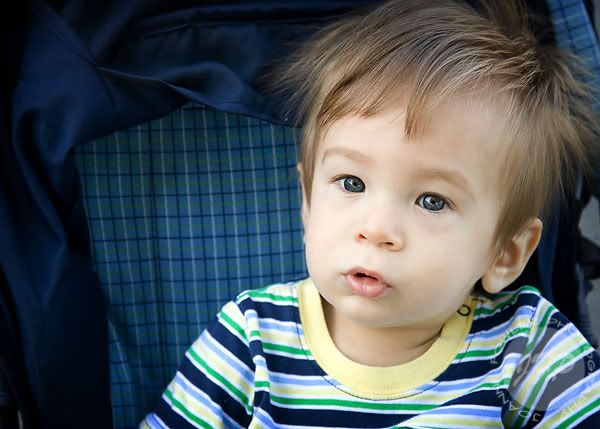
So I adjust the opacity so he's not so alien looking. Then I flatten the image, burn the edges a bit to make him stand out more than the busy pattern of the stoller and I crop to the size I need, resize for web, sharpen for web and viola! Here is what I ended up with after that short little processing jaunt (I know it didn't seem short but I have this eye pop thing as an action and it's one click and I'm done. This seriously would take me like a minute from start to finish.)
Before:

After:

So for those of you that want to give up because you don't have a big fancy camera... get creative and find other ways to get the job done! =)

Kasey & Jason: Married!

Kasey and Jason have been very busy. Catering events every weekend, opening up a restaurant, planning a wedding... Yes, they have been very busy. But when I met Kasey she had a calming presence about her. As she described her overflowing schedule her casual smile lit up the room and you can tell she was enjoying it all. The thrill of a growing business, the excitement of a new venture, the joy of joining hearts as one with the man she loves... it's all about perspective, right?
Kasey and Jason, it was a pleasure to join you for a beautiful ceremony in your new restaurant! It's absolutely gorgeous, almost as stunning as the bride.

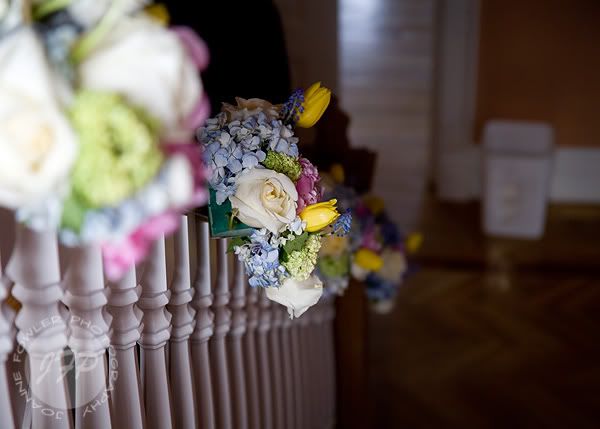
Welborn's did an amazing job with the floral details...


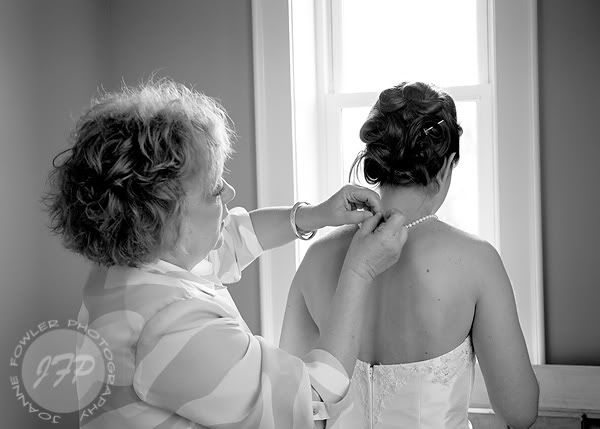
A mother's special finishing touch...


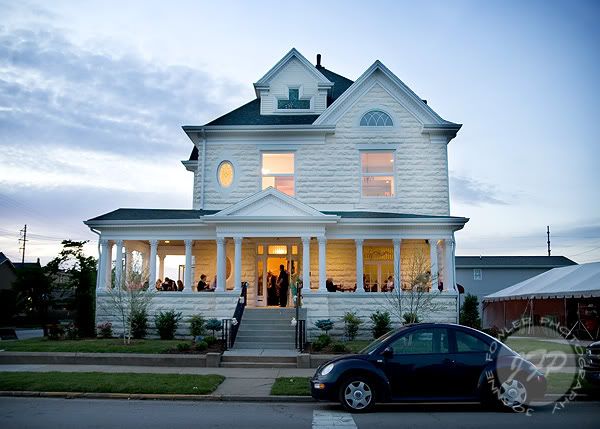
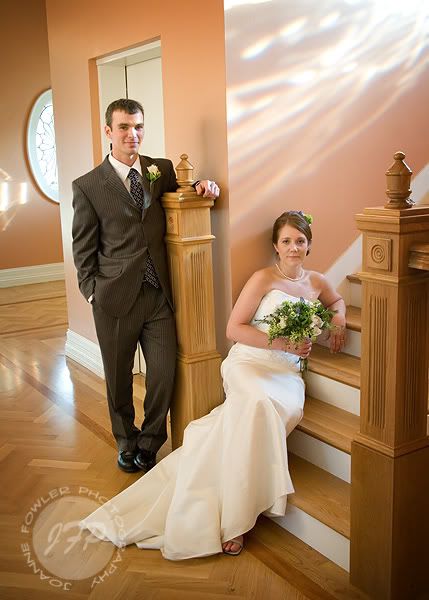
The Miller House is BEAUTIFUL. Seriously, you need to check it out downtown!


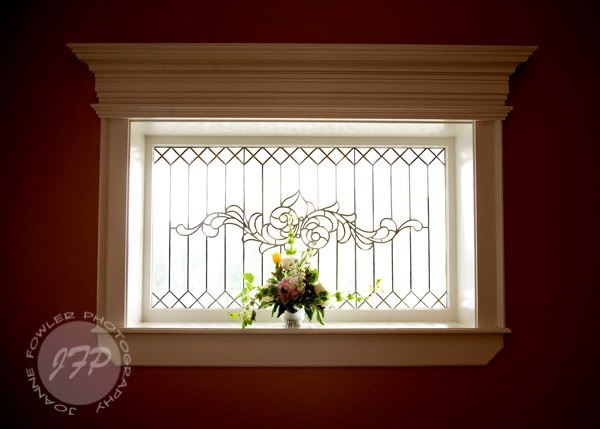
Here is the signature design you'll find in the windows...


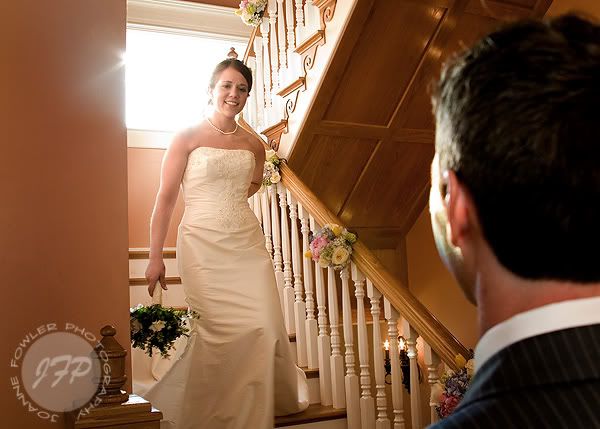
First glance... I told you she was stunning...


This historic home was once called the Jewel of Owensboro due to the gorgeous cut glass windows that pour rainbows into each room...

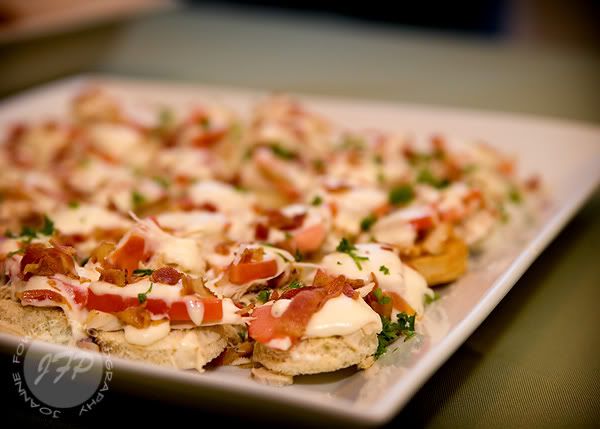
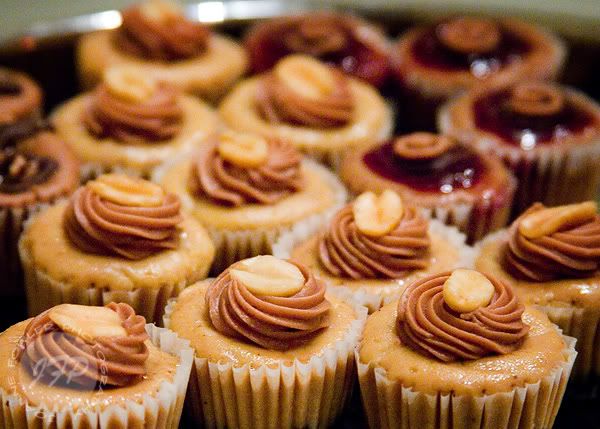
Food - YUM! But maybe too pretty to eat...


Mmmm... no wonder they stay so busy!


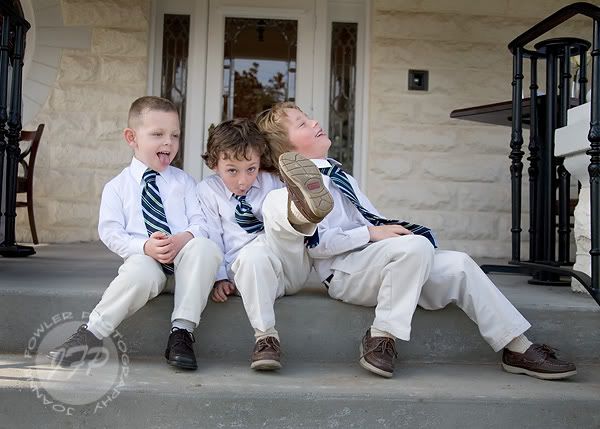
I just love this next shot. Boys are fun...


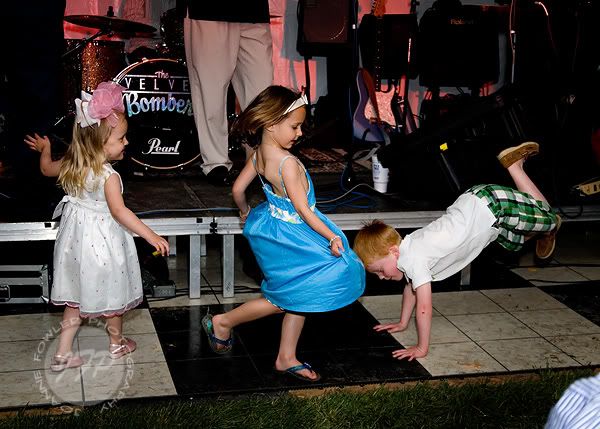
The Velvet Bombers rocked out with everyone's favorite classics.
Even the little ones had some crazy moves...


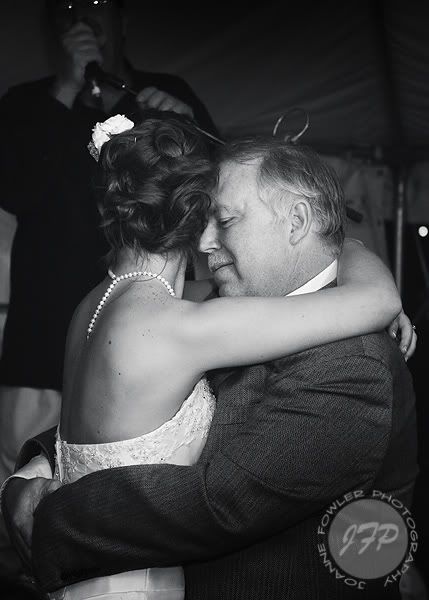
Daddy Daughter Dance...


Congrats to you, Kasey & Jason!

Five Years!!!!

I can't believe it's been five years already!

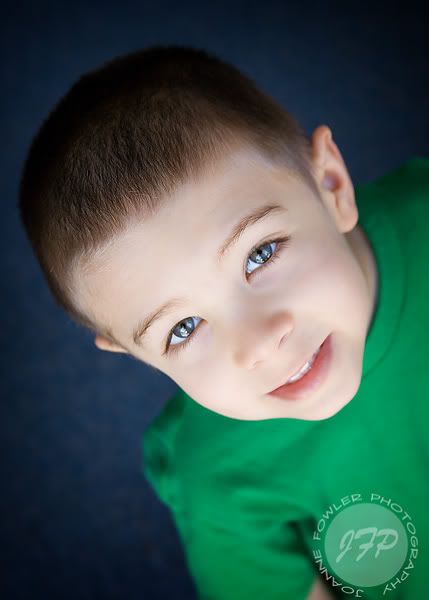
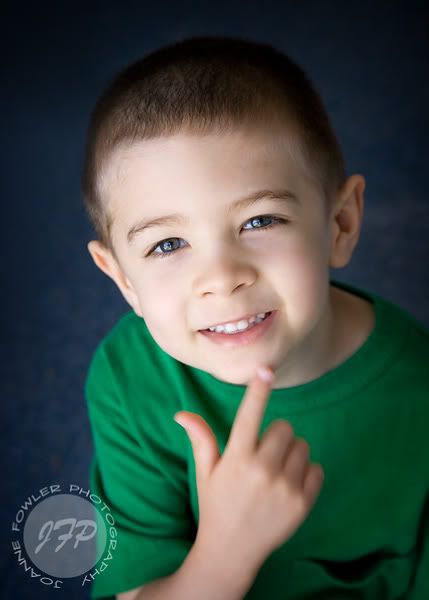
My little guy has grown up so much! Especially these past few months. I look back over this past year and it's like a whole different kid in our home. He's the best big brother, even if they have their little tifts now and then. He's really into the Justice League. Pirates have taken second place but still have a big part of his heart! He tried to tell me he was six all morning. I kept asking him why he was saying this and he finally said, "because six is better, right?" I told him that it wasn't. And it's not. At least not yet. He's growing up fast enough, let's not take away another year!

He did let me snap a few shots of him. Very few. But I'll take what I can get of this busy guy because he won't look like this for very long and I want to treasure every moment of his life that I can!

Isn't my little man adorable?


I tried to get him to smile and said "Where's your smile?" and he replied,
"Here it is!"


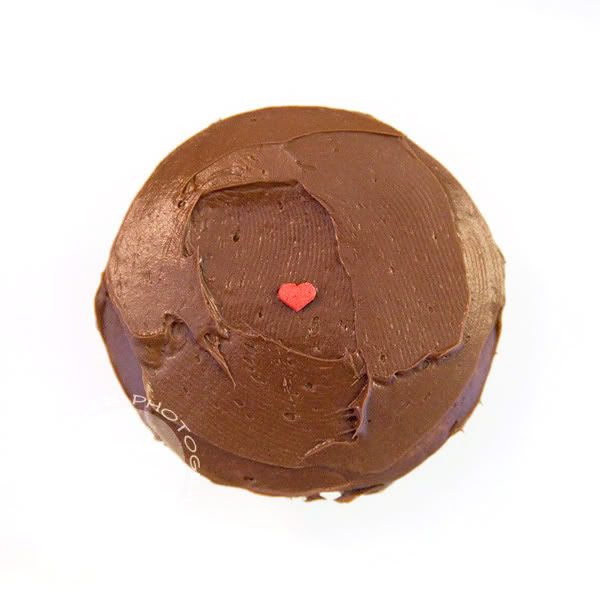
We made some cupcakes for his class at church tonight and he decorated them sparingly with heart shaped sprinkles leftover from Valentine's Day. Most had a *few* more than this but one was especially simple and artsy:


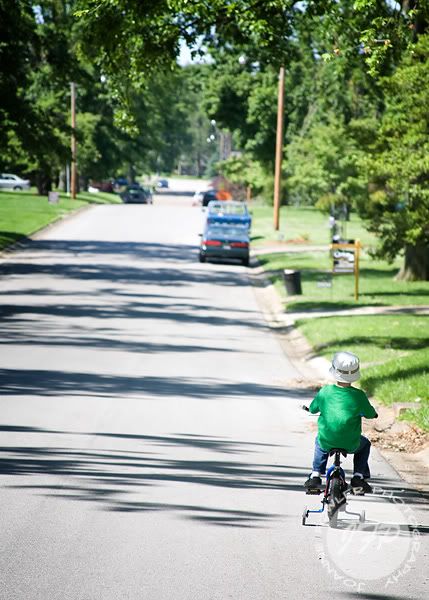
I took my camera on our typical morning walk/bike ride up the little hill and back.
Jeremiah thinks he's so big on his little bike and he takes his feet off the pedals and coasts down the hill, the wind blowing in his hat...

When I look at this pic it is all about him growing up. He looks so small and has a big road ahead of him. But although there will be bumps along the way, I think it will be a grand adventure and hope that every now and then he will pick his feet up and enjoy the ride... with the wind blowing in his hat.

There is a quote that I feel fits this image and how I'm feeling today:

"Making the decision to have a child is momentous. It is to decide forever to have your heart go walking around outside your body." ~Elizabeth Stone

*Sigh*

Photography Friday: Color

(Yeah, I slacked off last week - sorry!)


A couple people have asked me how I get such great color.


It's simple: I use a Canon.

=)


(Just kidding to my Nikon buddies!)


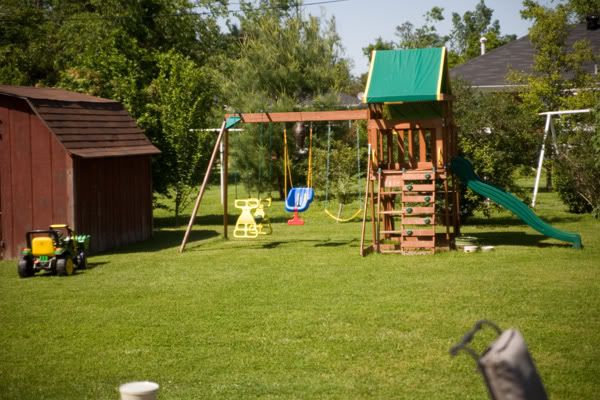
Actually, I'm only half kidding. I have found that when I use Canon lenses with my Canon camera, I have great color. The quality of the lens plays a big part too. I have a Tamron lens (because I couldn't afford the Canon version at the time) and when I compare the two, the Canon lens is sharper and the color is perfect. The Tamron lens is a great lens and pretty sharp too but when you compare them, it's hard to put down the Canon. Some people can't tell a difference but I tend to be nitpicky about things. It makes post processing a breeze when the color is fabulous straight out of the camera! If you can, invest in some good lenses instead of a fancier camera. Those little dSLR's can pack a pretty good punch when paired with the right lens.

My Tamron lens is warmer:

My Canon lens is just right:
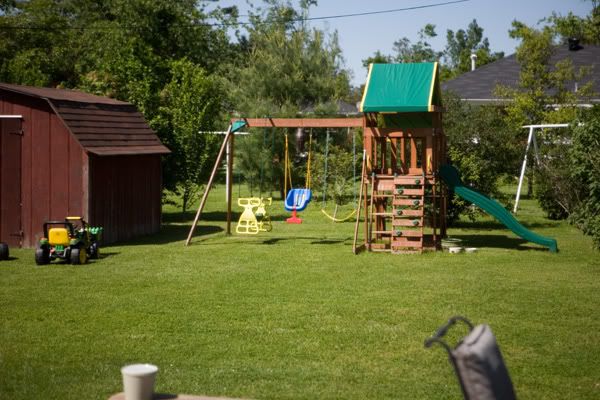
But then every lens is different, even the same exact brand. My Tamron was a little soft and the color was much warmer so I sent it in to be calibrated and it was much better after that. It's actually a really good little lens for the price. But then I got another Canon lens and now I see the difference again. Maybe you didn't? And maybe the lens you get will be spot on and you won't have this issue!

Color is very important to me. That is why I calibrate my monitor and work hard to see color issues in my images. Sometimes I let this slide with random pics of my kids that I just want to post quickly but every client image and anything I am printing that is important to me gets a good exam to make sure the color is just right.

There are a variety of monitor calibrators. I happen to use Huey but there are lots of good ones to choose from. Calibrating your monitor ensures that my prints will match my screen. So I don't get a perfect picture on my screen and then get the prints back and everyone is red or green. If you are doing any work for clients or just want to save your sanity after training your eye to see color problems, I would suggest investing in a calibrator.

Good color starts with the right exposure. But keep in mind it might not necessarily be your camera's idea of the right exposure. There are several conditions that throw your camera's sensor off of what you want the image to look at. The camera makes great choices as far as the auto exposure but sometimes you want something different and need to tweak the settings to get just what you want.


Then there is always Photoshop. There are SO many ways to tweak color in PS. If you shoot RAW, you will have more options and control over the color in the editing process. So until you are happy with color straight out of the camera, I'd suggest shooting in RAW instead of jpg. I need to talk about the difference next week, don't I? You can edit some good color in by altering the saturation of each color or playing with the sliders in Color Balance. Or play in Curves. There are just SO many ways to do things in PS! Maybe one day I'll post screen shots of my work flow? Is anyone intested in PS stuff too?

Oh and I can't forget WB - White Balance! This is pretty important! It's very important to get a good white balance. There are several ways to do this. You camera can do this automatically for you. If you have a good camera, you can trust this most of the time. I find that my camera does a pretty good job with this so I use Auto WB most of the time unless there is some serious crazy color going on. But even then, I can fix it later if I shoot in RAW. Most cameras have the option to choose daylight or tungsten (regular light bulbs in your lamp) or flourescents... If you are having trouble getting the right color, you might select the option that is the same as your shooting condition. Flourescent lighting is AWFUL so choosing that option may give you a better color easily.

Sometimes I use a grey card. It's 18% grey and that is what your camera reads. It's complicated. With my Canon, I can also use something white. For example, I was shooting a girl in a very green garden and it made the whole image greenish. So I grabbed a white cloth and used that to set my WB and viola! The images were no longer green. Check your camera manual about setting custom white balances. It can be a wonderful thing!!!

I think I choose my topics too wide. Once I get to typing, I find there is so much to it that I can't possibly explain enough in one post! Specific questions would help. *hint hint*

I suppose I'll go into more depth on these sub topics?

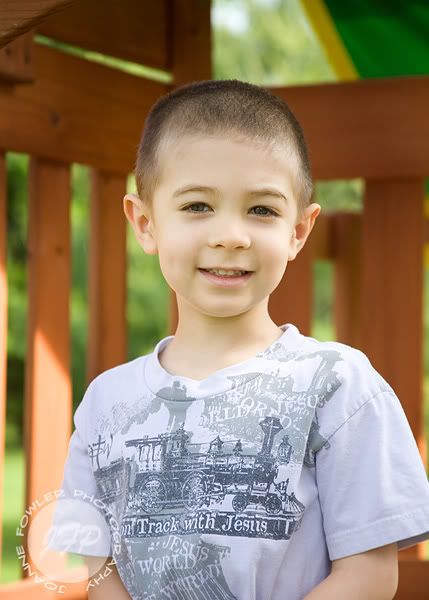
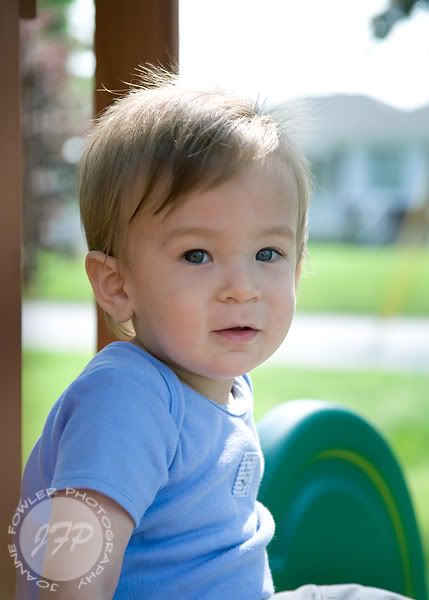
A post isn't as much fun with out a pic so here are some headshots of the boys. I wish I could have gotten them to look more similar as far as the positioning but I'll take what I can get. And yes, Jeremiah tends to look a little yellow/orange-ish due to drinking too much of his favorite "Red Juice" - V8 Fusion Strawberry Banana. It's chock-full of Carrots, Tomatoes and Sweet Potatoes. If he won't eat his veggies, he'll drink them! And the funny thing is that he'll choose this juice over a Sprite or Kool-Aid anyday! So score one for me! lol


Joshua in the shade...

They are getting so big!!!

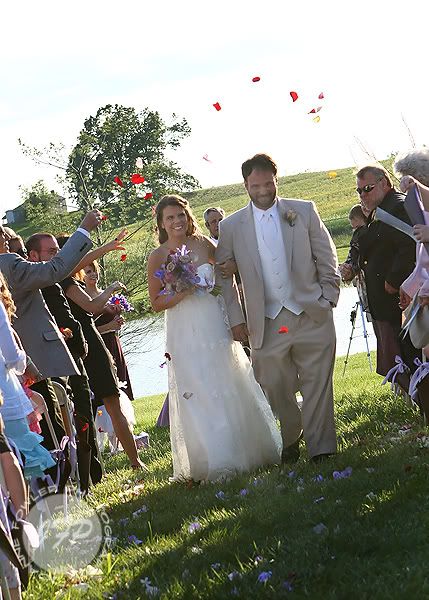
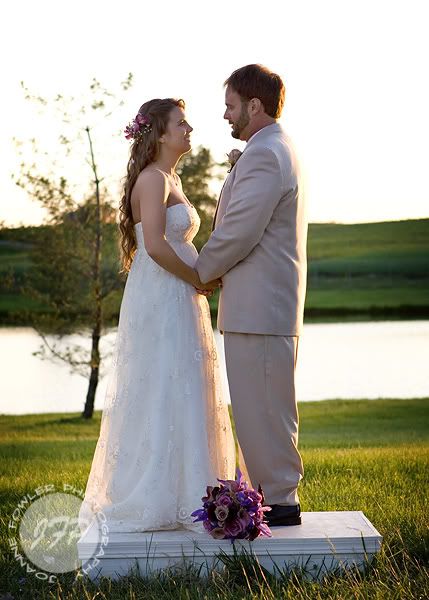
Sarah & Kerry: Married!
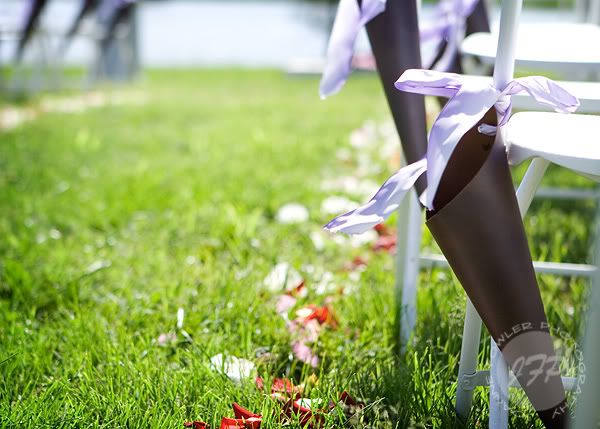
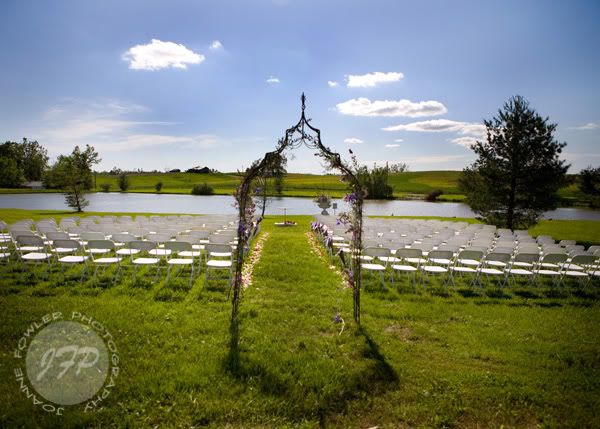
It rained for like two weeks. No, it POURED. Every now and then the sun would peek out but never long enough to dry up the swamp created by all the fallen rain. The wedding rehearsal had to be inside due to the deep mud pits out by the lake and brains were churning out ideas for an alternative location...

But then there is this girl, Sarah. In one word, Sarah is FABULOUS. Her bumper sticker says "I Came To Get Down" and it fits her so well. She makes everything beautiful and fun. Seriously, even the sun shines for her...


The ground was amazingly dry and it was an amazingly beautiful wedding!

Some details...

Welborn's did a beautiful job on the flowers and all the details...

A little fun with the rings...
Photobucket

Kennise Salon in Owensboro did a fab job on all the girls and especially the bride...
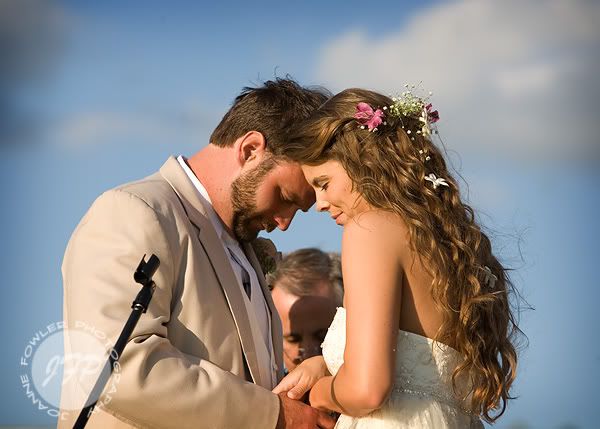
(Love this moment captured!)

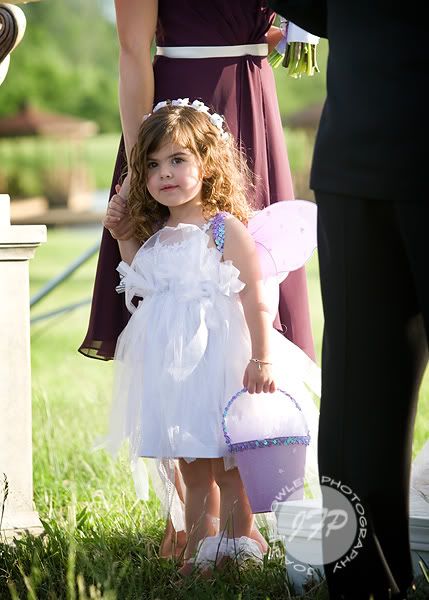
Couldn't resist a little peek at one of the beautiful fairy flower girls!

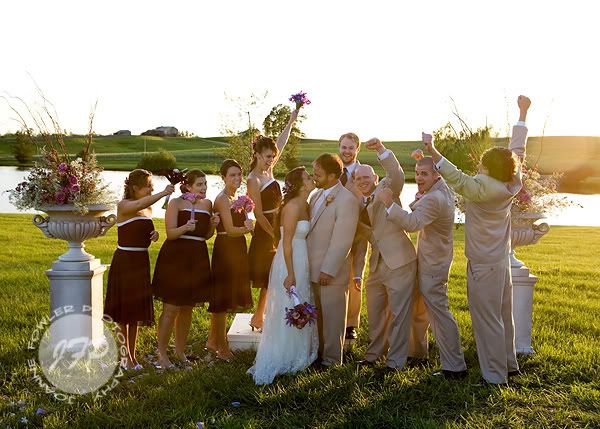
Married!
The sun was setting as we shot a few more shots after the wedding...
Fun wedding party!


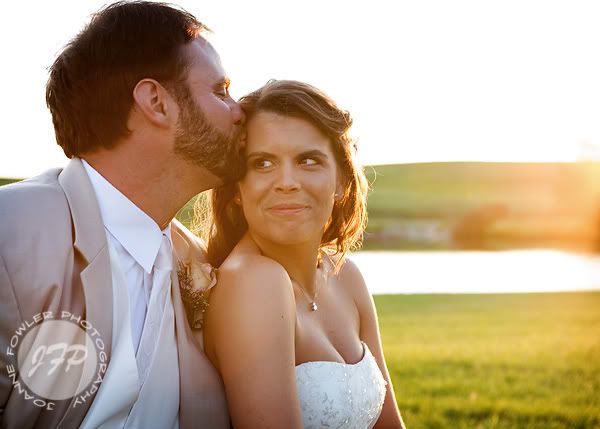
A little sunflare in the golden light as we wrapped up the shooting...

Sarah and Kerry... it was so fun getting to know you when we took your engagement pics and it was an honor to share this day with your family. I hope you are having a blast in Mexico and you return safe to continue your happily ever after!
Special thanks to "Aunt Sally" for managing to get the wedding rolling so smoothly!
And huge props to my girl Brandy for second shooting with me!

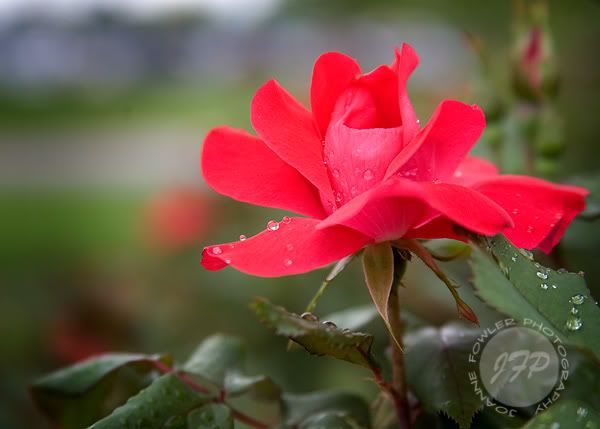
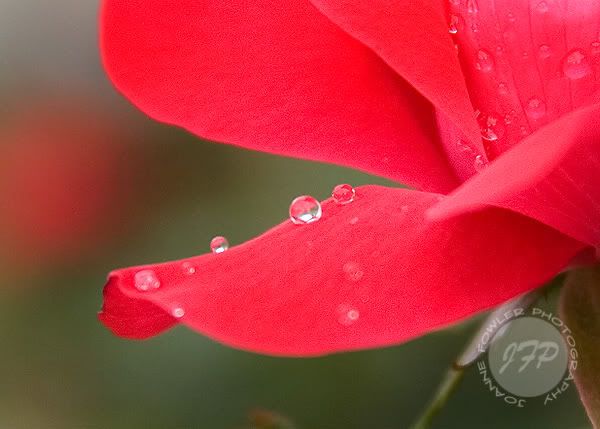
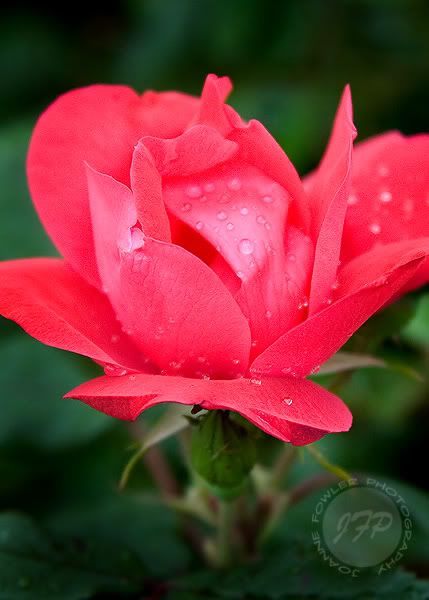
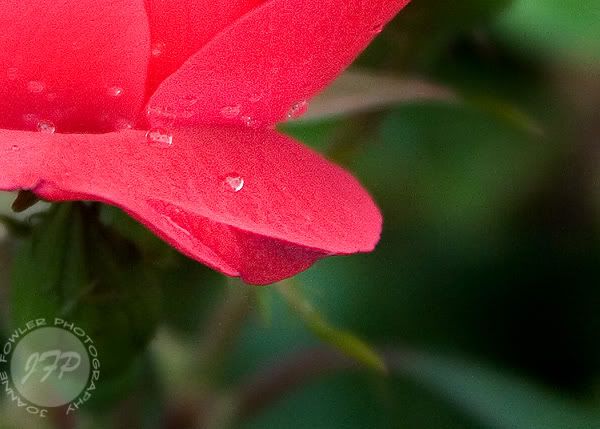
Raindrops on Roses...


Raindrops on roses and whiskers on kittens;
Bright copper kettles and warm woolen mittens;
Brown paper packages tied up with strings;
These are a few of my favorite things...

All photos ©Joanne Fowler. All rights reserved.

Do not use, copy or reproduce the photos from this website for any reason without written permission from the photographer. Thanks!

Categories

Babies (23) Crafty (3) Engagement (21) Family Session (25) Food (42) Fowlers (236) Homeschooling (38) Jeremiah (233) Joanne (62) John (15) Joshua (266) Kitty (3) Macro Monday (43) Maternity (3) Photography (89) Photography Friday (6) Portraits (156) Recipes (4) Senior Session (18) Things (220) This House Thursdays (41) Weddings (41) video (24)

Archives

Follow Me!

LinkWithin

Related Posts with Thumbnails